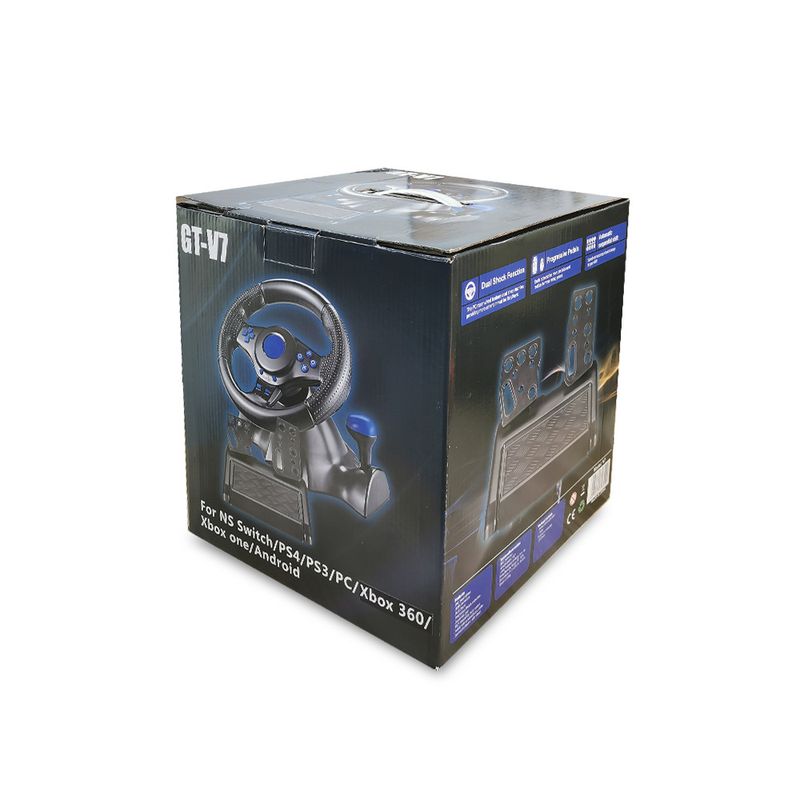
Full View
Similar items
2.4G Wireless Bluetooth Gamepad PC Controller For PS3/PS
€70.89
€103.37 -31% OFF

8 Bit Retro Video Game Console With Two Gamepads Built-In 620
€134.07
€168.15 -20% OFF
Pocket Small Bluetooth Android ISO Phone Tablet Wireless Switch Game Handle
€52.30
€83.40 -37% OFF
Semiconductor Cooled Wireless Game Controller, Suitable For SWITCH/PC/Android/iOS Native Mode/HarmonyOS, TEC Intelligent
€56.06
€71.71 -21% OFF
Red Magic Blade Wired Wireless Game Switch Handle Mobile Phone Android PC Computer Black Myth Wukong
€115.33
€148.52 -22% OFF
MOMEN Dual Classic Switch Bluetooth Hall Joystick RGB Lighting LinYuvo Game Controller
€87.99
€112.93 -22% OFF
Wireless Bluetooth-Compatible Controller NS/NS Lite/NS OLED Console Gamepad Control For Android Joystick With 6-Axis
€57.39
€86.38 -33% OFF
Aojia Lion Q10 Wireless Controller PC Computer Arcade Fighting Symmetrical Joystick Switch Android IOS Mobile Phone
€52.03
€70.84 -26% OFF
Wireless Gamepad, Controller, For Switch, App Control Wireless, Dual Motor Vibration
€43.77
€61.81 -29% OFF
Gamepad Windows - Wireless And Wired Connectivity, Vibration Function, Support For Streaming Games
€39.43
€57.57 -31% OFF
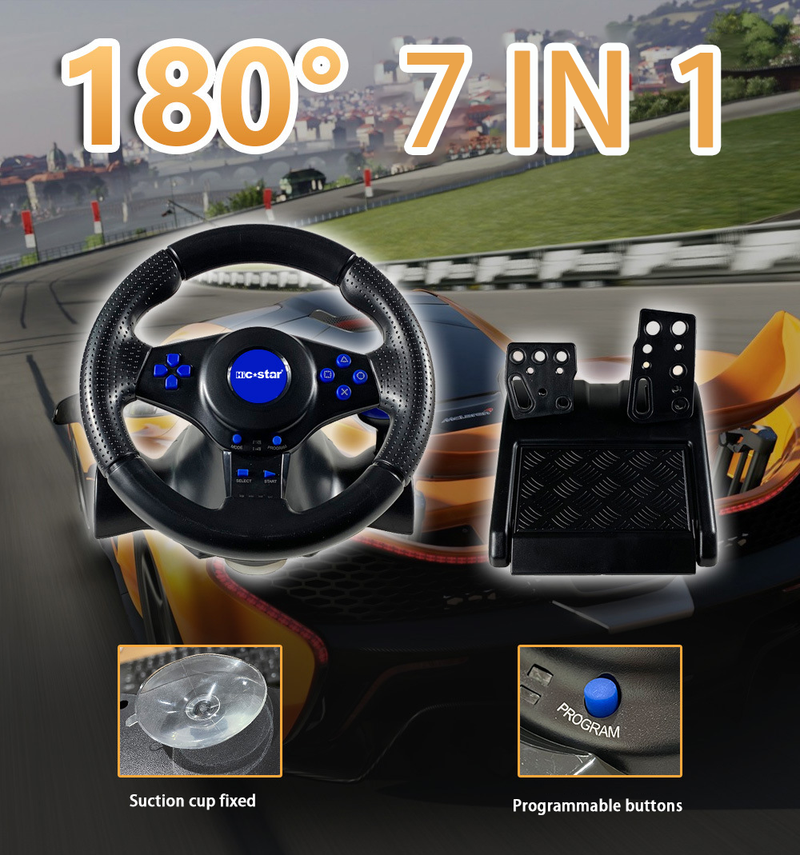
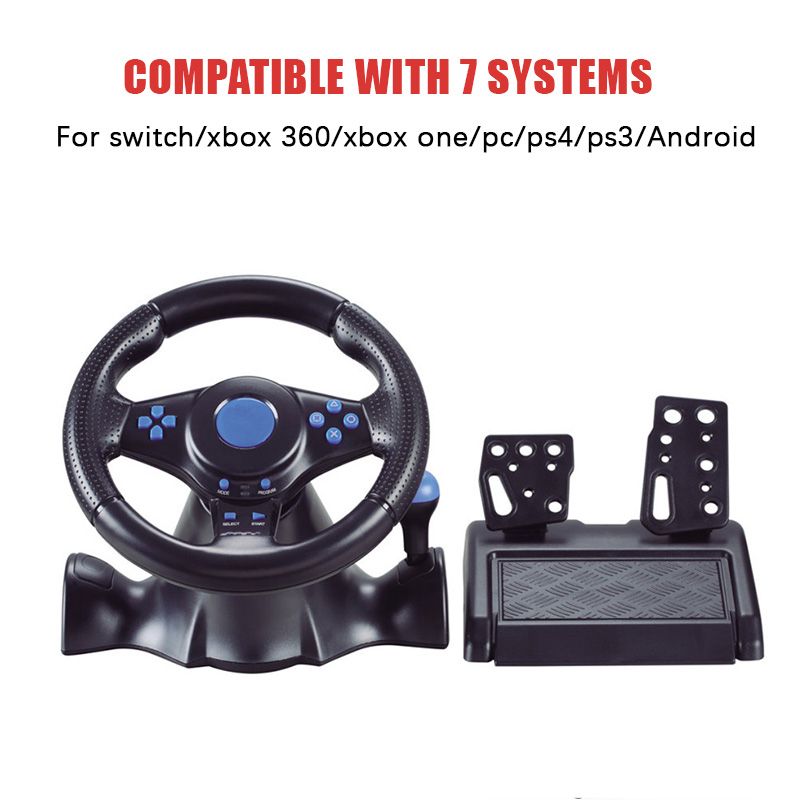
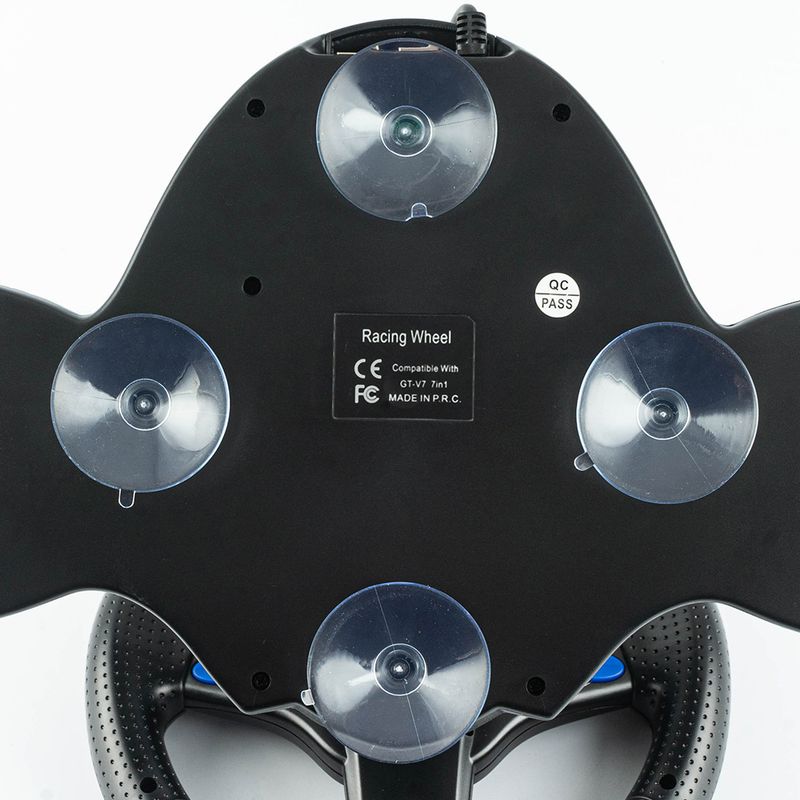
Steering Wheel Vibration Controller 7 In 1 Game Simulation Racing Pedals For Switch/xbox 360/xbox One/pc/ps4/3/Android
€124.95€172.47
Color : 3 in 1


Quantity :

Report
Include copyright infringementFree Standard Shipping. See details
Estimated between Mon, Aug 10 and Sat, Aug 22
You can return the product within 30 days of receipt. See details
Shop with confidence

Money Back Guarantee
Get the item you ordered or your money back. Learn more
About this item
Sourced from CoreBox
Seller assumes all responsibility for this listing.Item number: 32157410
Item specifics
Plug Type
None, Eu Plug, Us Plug
Battery Attributes
No Battery Included
Item description from the seller
How to choose compatible version for your game console :
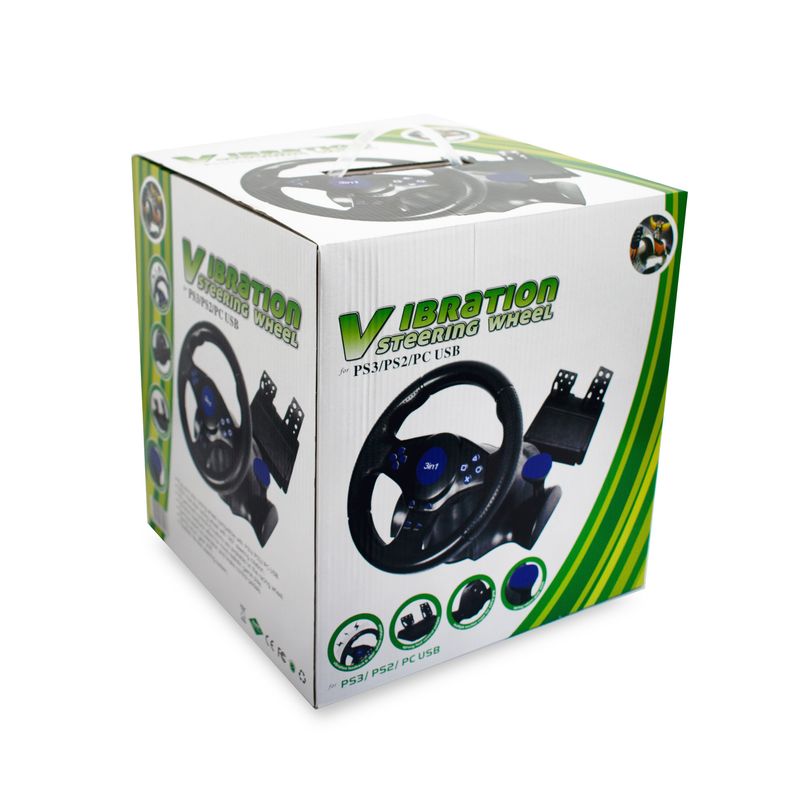
The 3 in 1 option means it is for PC / PS2 / PS3
Note: You need to download the driver when connecting 3in1 to PC
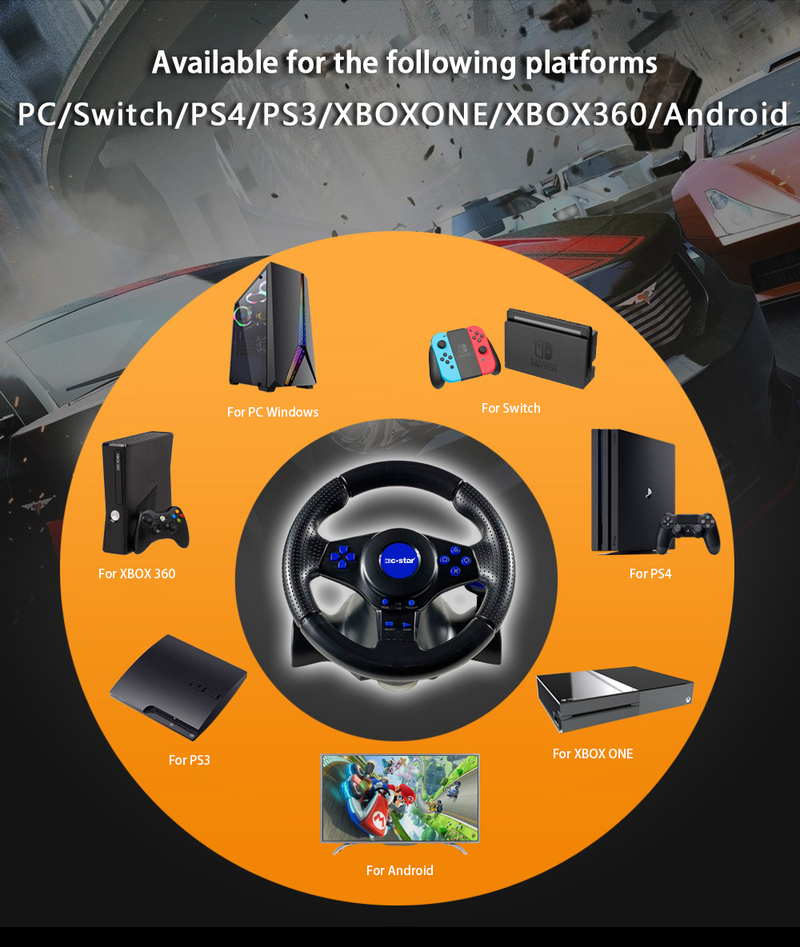
The 7 in 1 option means it is for PC / PS3 / Xbox 360 and Xbox one / PS4 / Switch / Android
How To Connect To PC
a Plug the USB cable of the steering wheel into the computer.
b One channel LED on the steering wheel is always on
c In PC, X input is recognized as default mode.
Press the HOME button for 3 seconds to toggle between X input and D input.
d Install the driver when using D input mode.
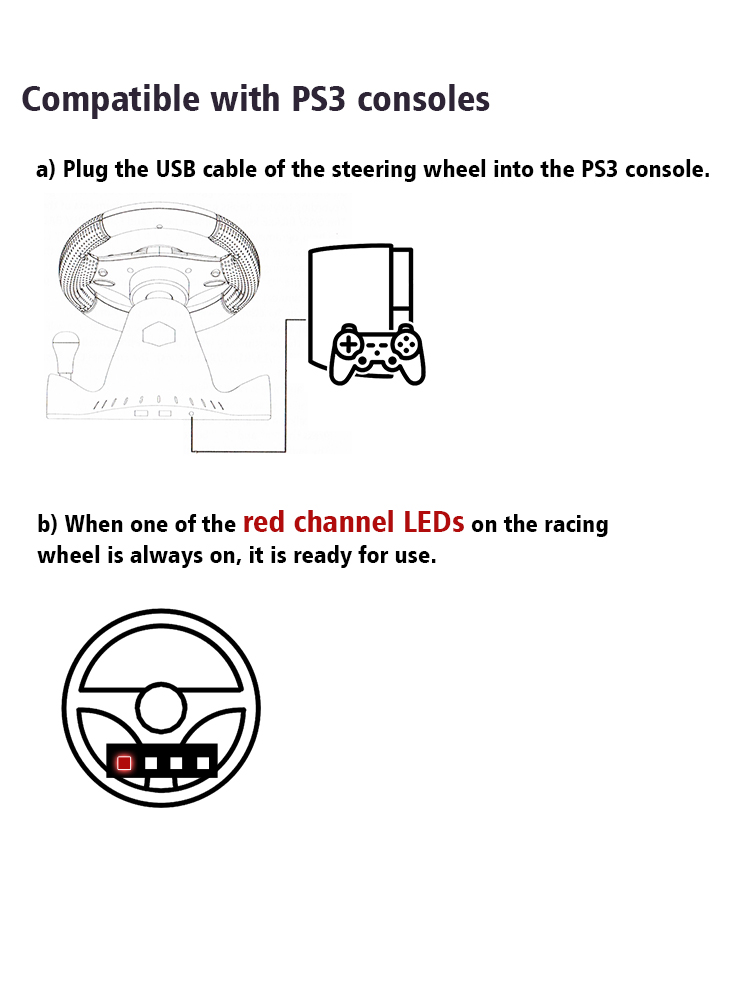
How To Connect PS3
a Plug the USB cable of the steering wheel into the console for PS3.
b When one of the red channel LEDs on the racing wheel is always on, it is ready for use.
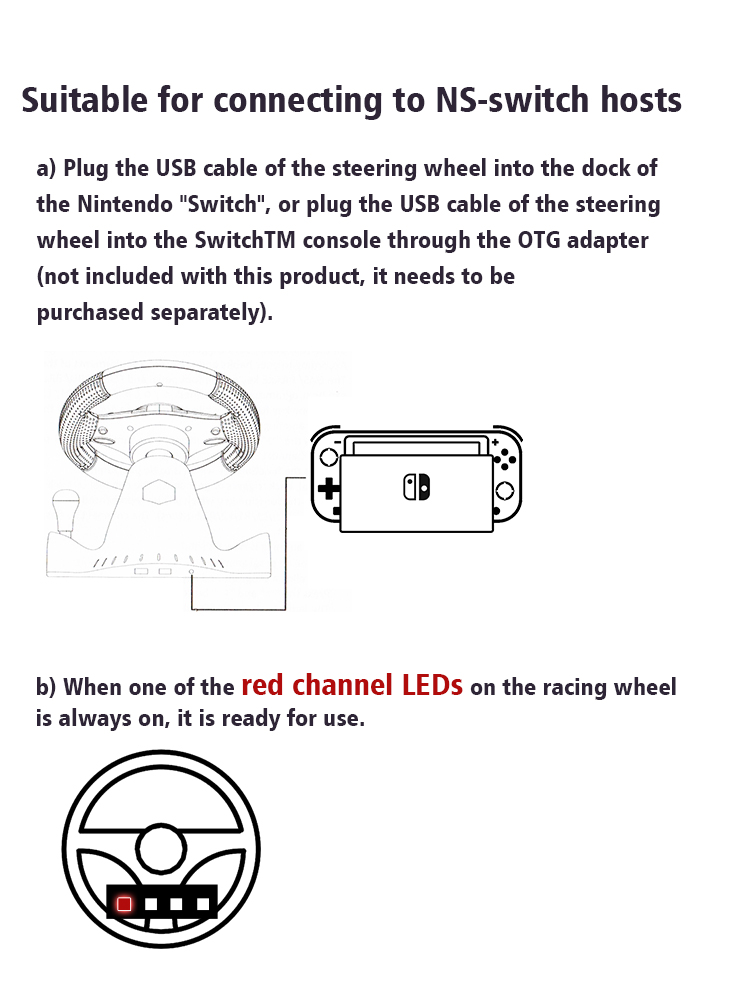
How To Compatible- Switch
a Plug the USB cable of the steering wheel into the dock of the compatible- Switch, or plug the USB cable of the steering wheel into the SwitchTM console through the OTG adapter not included with this product, it needs to be purchased separately.
b When one of the red channel LEDs on the racing wheel is always on, it is ready for use.
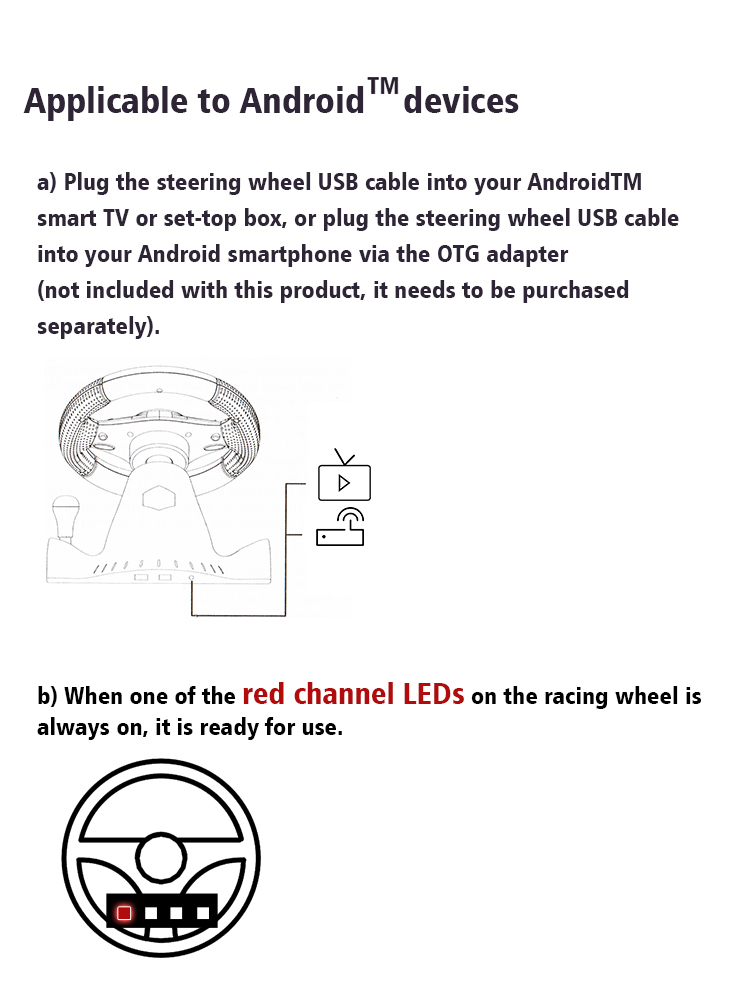
How To Connect Android Devices
a Plug the steering wheel USB cable into your Android TM smart TV or set-top box, or plug the steering wheel USB cable into your Android smartphone via an OTG adapter not included with this product, which needs to be purchased separately.
b When one of the red channel LEDs on the racing wheel is always on, it is ready for use.
How To Connect PS4/Xbox One Consoles
a Connect the appropriate original game controller or a third-party compatible game controller to the USB Type-A port on the rear of the steering wheel.
b Plug the USB cable of the steering wheel into the game console.
Packge Included
Please select the corresponding one for your game console.
1* Steering Wheel
1* Pedals